

Connecting
1
Open Integrations
Go to Management > Integrations in the sidebar.
2
Connect Linear
Click Connect next to Linear and authorise the Odin app via Linear’s OAuth flow.
3
Select your team
Choose the Linear team where issues should be created.
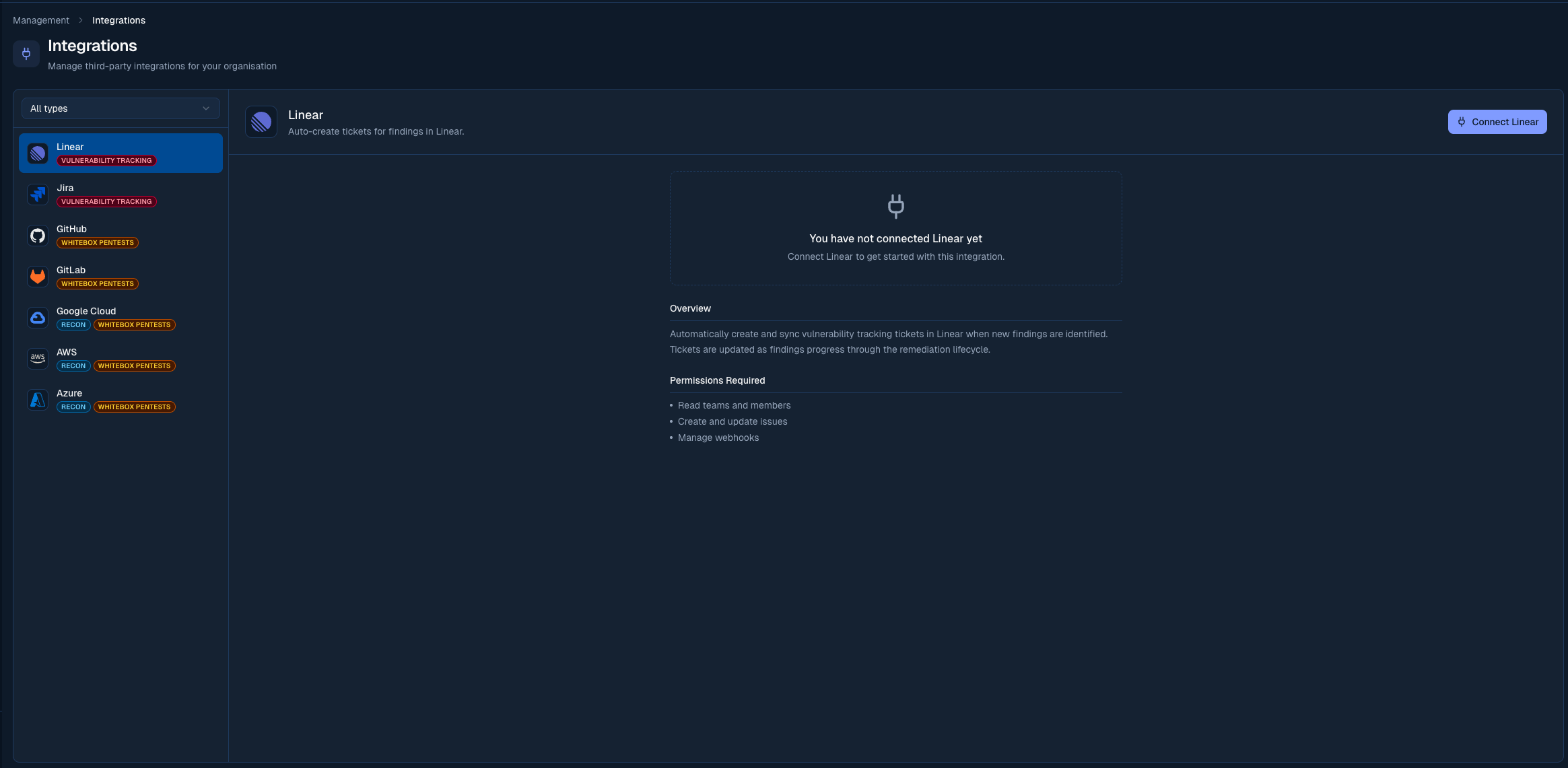
Authorise Odin to create issues in your Linear workspace
Pushing a finding
On any finding, click Push to Linear. Odin creates a Linear issue with:- Finding title and severity as the issue title and priority
- Description, reproduction steps, and suggested fix in the issue body
- A label indicating the source (e.g.
pentest,security)
Auto-ticketing
Auto-ticketing creates Linear issues automatically when new findings are reported, without any manual action from your team. From the integration settings panel:- Auto-create tickets: toggle on to enable. When disabled, you can still create issues manually from each finding.
- Minimum severity: only findings at or above this severity trigger automatic issue creation. Defaults to Medium.
Customising synced issues
With your team selected, the Issue customization panel on the Linear card shapes the issues Odin opens. On top of the shared default assignee, labels, and priority mapping, Linear adds:- Initial state: the workflow state new issues open in (Triage, Backlog, Todo, In Progress, and so on). Leave it unset to use your team’s default.
- Project: place every synced issue into a chosen Linear project.
Status sync
A finding’s status and its linked Linear issue’s workflow state stay in sync, in both directions.Moving the issue to Done signals your fix is ready for Borg to verify, so it maps to Open for Retest rather than Fixed & Retested. Only Borg can confirm a retest.
Notes
- Issues are created in the team you selected during setup
- You can update which team findings are sent to at any time from the Integrations page
- If the team you selected is later retired in Linear, findings can’t sync to it. Odin flags this as a Sync error on the Linear card so you can pick a new team to clear it — see Sync health.
- Multiple issue trackers can be active at the same time. When you connect a second one (for example Linear and Jira together), Odin keeps new findings and status changes in sync across all active trackers.