

Reports produced by an individual pentest run are downloaded from the run itself, not from this page. See Pentest runs.
The report list
Delivered pentest reports appear in a single table, newest first. Each row shows the pentest name (or the client name on a standalone report), the revision number, the date the report was last updated, and whether the PDF is Ready or still Pending. Select rows with the checkbox in the first column, or right-click a row to download the PDF, open it in a new tab, email a link, or copy the report name. Reports use an immutable revision system. When the content changes, say after a retest confirms a fix, Odin creates a new revision rather than editing the existing one. The row always points at the latest revision, and the downloaded file is named after the pentest and that revision, such asAcme Q3 Pentest-rev3.pdf.
What is in a report
The PDF opens with a cover page and a table of contents, followed by four parts.Executive summary
- Confidentiality statement
- Report overview, the narrative written by the testing team
- Key findings, a compact table of the headline issues with their severities
Findings
- Vulnerability distribution, with counts by Critical, High, Medium, Low, and Info
- Master findings table, listing the ID, title, state, and severity of every finding in the report
- Detailed findings, each with the date it was identified (and resolved, where it has been), its type and CWE reference, severity, status, affected asset, description, business impact, supporting detail, and the suggested fix
Appendices
- Scope and methodology: the assets tested, their type, and the technology identified on each
- Vulnerability coverage: the vulnerability classes the assessment explicitly checked for
- Glossary
Notices
Legal notices covering tester qualifications, independence, and report authorisation. The wording differs between human-led engagements and autonomous AI pentest engagements, and reports that carry no notices omit the section.Downloading a report
Right-click a ready row and choose Download report, or press Enter on the focused row. Odin generates a short-lived signed link and saves the file straight to your machine. You can also select several rows and use Download in the selection bar. The list also supports keyboard navigation: j and k move focus, x toggles the checkbox, and Enter downloads the focused report.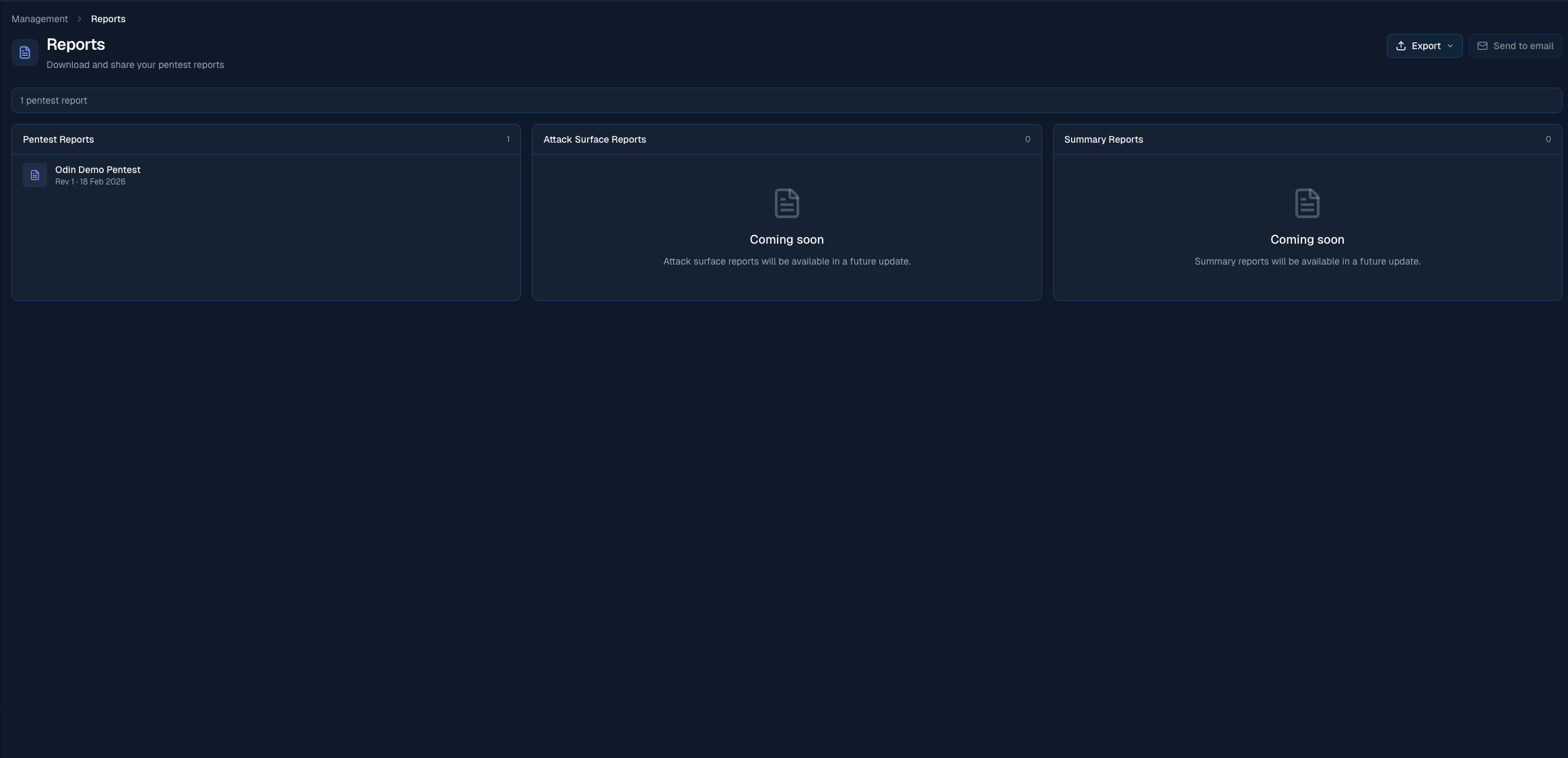
Download a pentest report as PDF from the Reports page
Emailing yourself a report
Choose Email me from a ready report’s actions to open the email dialog with that report selected and your account email filled in. The page-level Email me action lets you choose a ready report. Selecting one ready report also enables its email action; multiple selections do not send a batch email. Review the report and recipient, then choose Send explicitly. Opening or cancelling the dialog sends nothing. The email contains a link to the PDF that expires one day after it is sent. Sending requires the Member role or above; Read only users do not see the email action. A report must have a PDF before it can be sent.Dependency reports
If your organisation has Dependency Intelligence, you can export a report of your packages, their known vulnerabilities, and why each one does or does not affect your application. Open Dependencies, go to the Packages tab, choose the repository and branch at the top, and select Export > Report…. Pick a format:- PDF report: a summary page for readers outside engineering, an explanation of how Borg assesses dependencies and what each verdict means, then each package. It is generated in the background and saved here, named Dependency report with the repositories and branches it covers.
- Spreadsheet (CSV): one row per package and advisory, with the verdict and the reason.
- VEX (CycloneDX JSON): the industry-standard statement of whether each vulnerability affects your product, for security reviews and procurement.