

Connecting
1
Open Integrations
Go to Management > Integrations in the sidebar.
2
Connect GitHub
Click Connect next to GitHub and authorise the Borg Security GitHub App.
3
Select your organisation
Choose the GitHub organisation or account that owns your repositories.
4
Choose a repository
Select the repository where issues should be created.
Installed the GitHub App straight from GitHub? Odin can’t tell which organisation it belongs to, so it isn’t connected yet. Go to Management > Integrations and click Connect GitHub to finish. If your own GitHub account isn’t linked yet, Odin asks you to link it first.
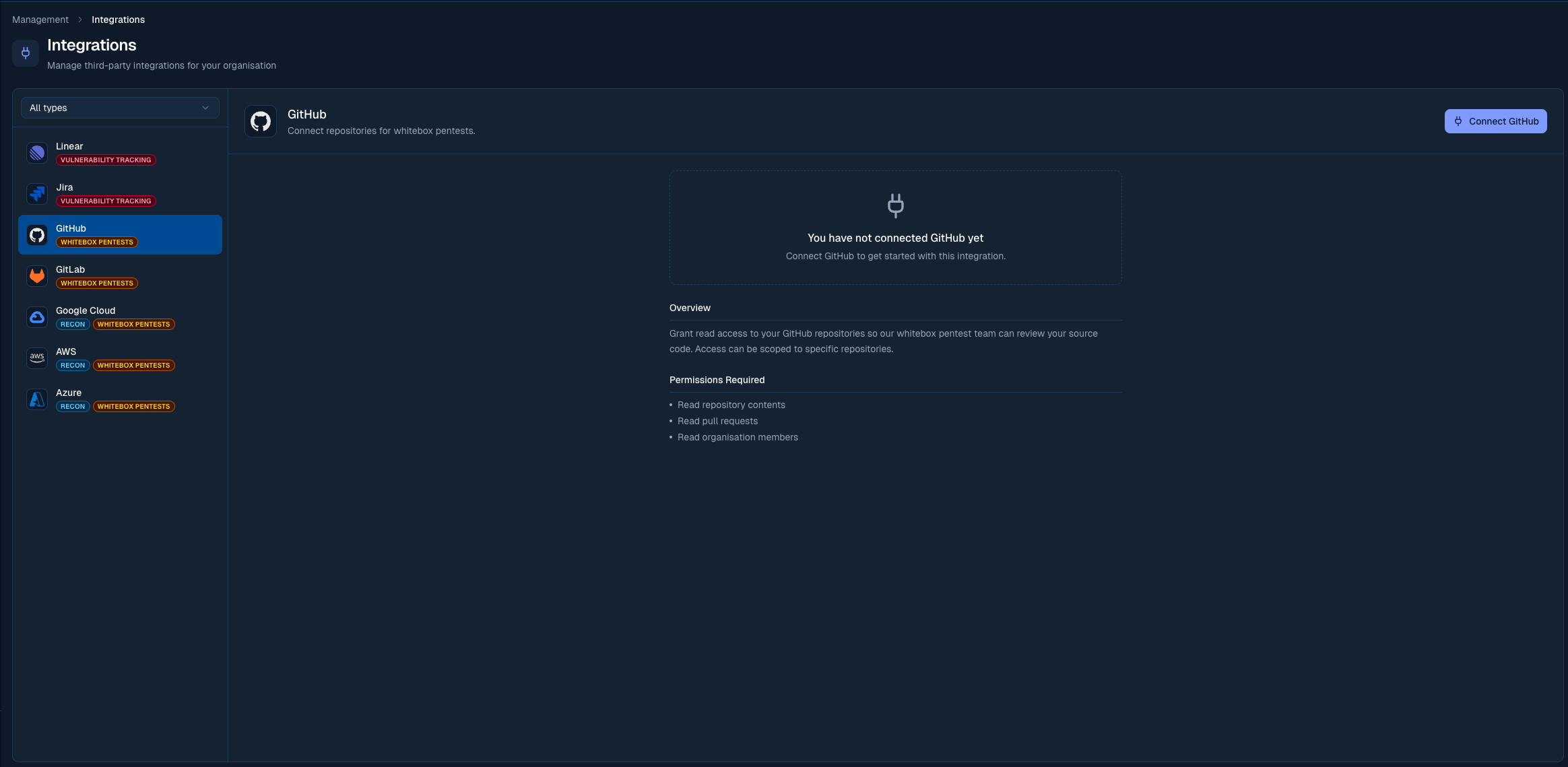
Connect your GitHub account from the Integrations page
Pushing a finding
On any finding, click Push to GitHub. Odin creates a GitHub issue with:- Finding title as the issue title
- Severity label (Critical, High, Medium, Low)
- Full description, reproduction steps, and suggested fix in the issue body
Auto-linking pull requests to findings
Once the GitHub App is installed, Odin automatically links pull requests to findings whenever a finding identifier (likeBORG-12) appears in the PR’s branch name, title, or body. Linked PRs show as chips in the finding header, and their open/closed/merged state tracks live as the PR moves through GitHub.
When a PR is linked to a Reported finding, Odin automatically transitions it to Fixing so Borg’s analyst team can see work is in progress.
The fastest way to use this is Copy branch name in the finding’s ⋯ menu — it gives you a fix/borg-12-... style branch name ready to paste into git checkout -b. You can also link a pull request by hand from the finding’s Links section.
Linking a fix is what enables Odin to verify it when the PR merges. See Automatic retests for all three linking methods and how verification works.
Settings
The GitHub integration has a few toggles that change how it works. Find them on the GitHub card in Management > Integrations.- Issue tracking: turn on to enable vulnerability tracking via GitHub Issues. When off, GitHub is used only for repository access (e.g. for whitebox pentesting).
- Auto-create tickets: when on, GitHub issues are created automatically as new findings are reported. When off, you can still create issues manually from each finding.
- Minimum severity: only findings at or above this severity trigger automatic issue creation. Defaults to Medium.
- Automatic retests: when on, merging a pull request linked to a finding triggers a retest that reviews the merged code change and verifies whether the fix worked. See Automatic retests for the full flow.
Customising synced issues
With a target repository selected, the Issue customization panel on the GitHub card shapes the issues Odin opens. On top of the shared default assignee and labels, GitHub adds:- Milestone: assign every synced issue to a repository milestone.
Status sync
A finding’s status and its linked GitHub issue’s open/closed state andodin:* label stay in sync, in both directions.
Closing as not planned doesn’t accept the risk on the GitHub side. Every closure moves the finding to Open for Retest, whatever the reason. Choose Accept risk on the finding in Odin instead.
Notes
- Issues are created in the repository(ies) accessible to the installed GitHub App
- You can update the GitHub App’s repository access at any time from your GitHub organisation settings
- If the GitHub App is suspended in GitHub, the connection shows Suspended and PR reviews and issue sync pause. Unsuspend it in GitHub under Settings > GitHub Apps to resume; Odin picks the change up automatically